
For the family member who runs the care
Caregiving after a neurological diagnosis
Caregiving after a neurological diagnosis changes the house: new medications, new people, new words, and a person who still has plenty to say. ExpressAgain gives the family one record for all of it, and gives the patient a way to be heard inside it.
What is already built
Prescriptions and the dose log
Each medication with its times, and doses given, skipped, refused, missed or late, logged by whoever gave them.
Where it lives: Prescriptions page · Read how it works
My Home Team
One profile per professional: contact details, house entry, agreements, documents, hours and pay, schedule and getting started.
Where it lives: My Home Team page · Read how it works
Tap any phrase to speak it
One tap says a phrase out loud, with the condition's own phrases first.
Where it lives: Communicate page · Read how it works
Today: the medications, the people who help and the patient's voice, on one record.
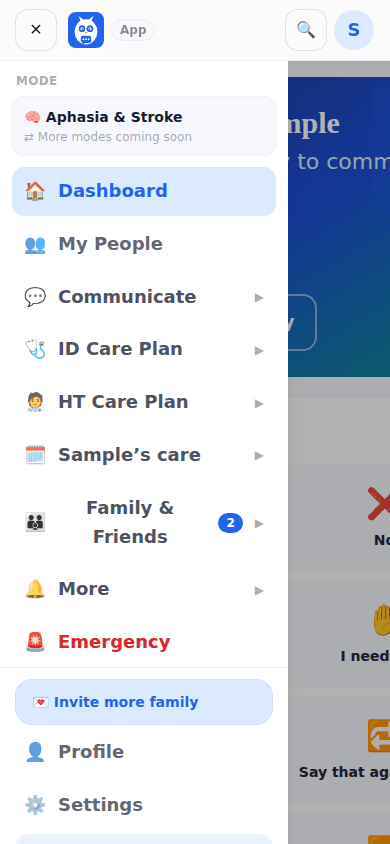
How it works
Create a free account: your name, email, a password and who the app is for (yourself, someone you care for, a patient, or an organization).
The guided setup takes four short steps: who the app is for and the condition mode, text and button sizes, a voice and the first people, then a review.
Tap any phrase on Communicate to say it out loud; invite family with a personal link and give each clinician or professional a code from the Care Team page.
Questions people ask
Is it free to start?
Yes. Free is where everyone starts, and communicating is never behind a paywall: tap to speak, the phrase boards, the sentence builder, Letters, the Phrase Library, lessons, Games and Play, the emergency screen, the Emergency Plan Card and the built-in voice. Free also invites 2 family members to the Family and Friends Feed. The Pricing page shows the plans side by side.
What happens after I sign up?
Sign up asks for your name, email and a password, and who the app is for. Then the guided setup takes four short steps: who the app is for and the condition mode, text and button sizes, a voice and the first people, then a review. Entering the patient's name and date of birth pins the two phrases hospitals ask for constantly.
Which diagnoses does it cover?
Stroke and aphasia, ALS, Parkinson's, dementia, brain tumors, head, neck and throat, the ICU and hospice each have a mode; the care tools are the same for every family.