
For medical equipment and supply companies
The equipment and supplies you provide, in the family's care record.Where the family and the care team read them.
Families who run the care in ExpressAgain already write down who supplies the equipment, the oxygen and the monitors: on the Emergency Plan Card, on Insurance & Devices, in Supplies and in the Home Care Team Plan. For a monitoring device, the Partner API is built to bring your readings in with the family's consent.
In the browser on any phone, tablet or computer. Nothing to install.
- Home medical equipment (DME) companies: beds, lifts, wheelchairs, walkers and oxygen
- Medical supply and incontinence supply companies
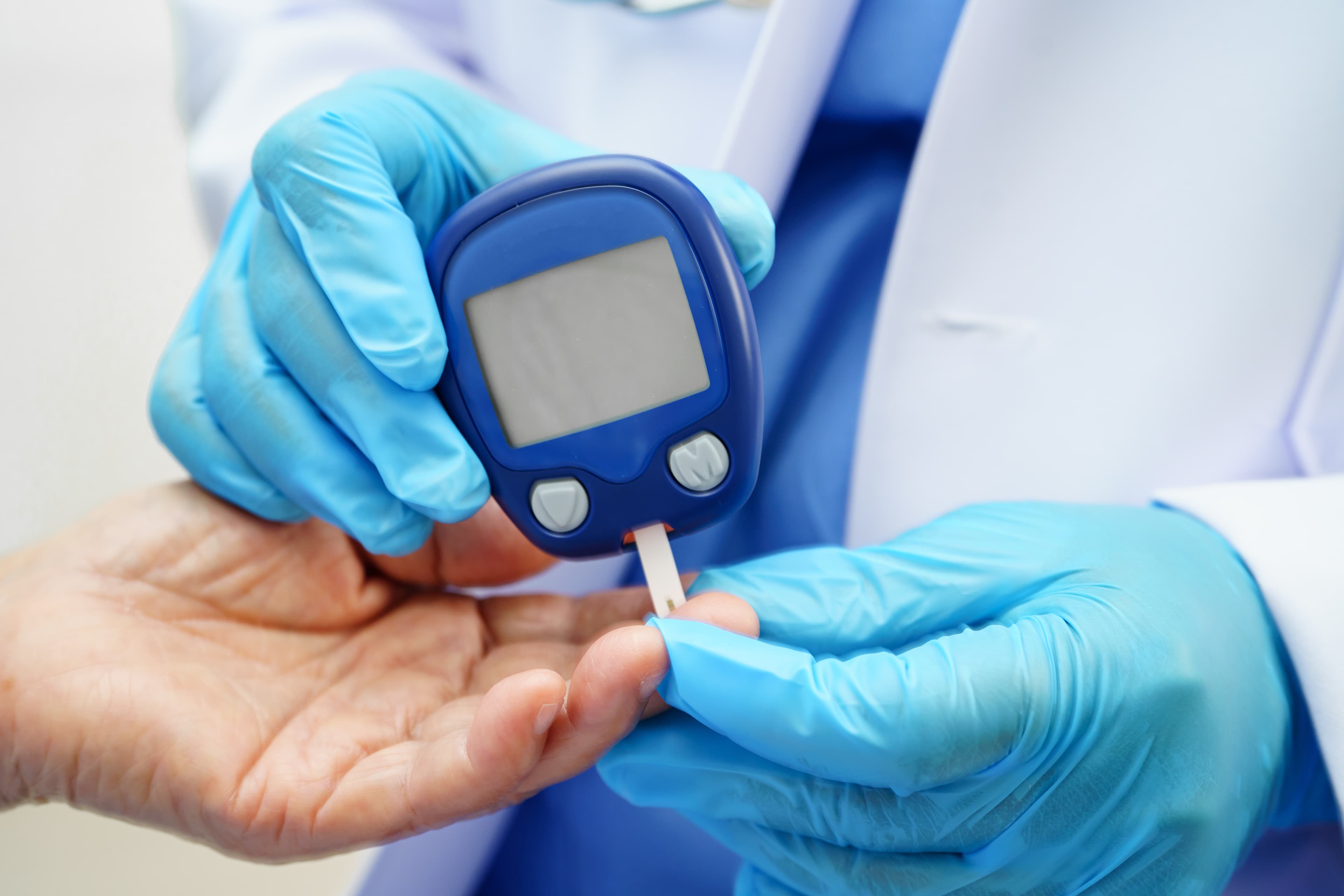
- Device vendors and monitoring programs: glucose meters, blood pressure cuffs and other home monitors
In the family's record
Where your company already shows up.
The family runs the record and names the patient, so the app says Sam's Day and Sam's Schedule. Your company, your devices and your people are written into it by the family, with nothing for you to set up. Every card below is in the app today and links the Help Center article that describes it.
The Emergency Plan Card: your company and the oxygen settings
The card names the DME vendor, who provides the supplies, and the oxygen liter flow and hours.
The Emergency Plan Card →How it works
The family keeps the patient's Emergency Plan Card in the app, the same fields as a home health agency's paper card. It has a line for the DME vendor (equipment) and one for Supplies provided by, and when Oxygen is ticked, the liter flow and the hours needed each day. The qualifying conditions include Needs constant electrical power, Oxygen, Portable O₂ tank, Wheelchair, Walker / cane, Ventilator and Bedbound. Every clinical login on the care team reads the card, and one button prints it.
Devices on file, with who provided them
Each home monitor with the vendor or program that provided it and whether its readings transmit.
Insurance & Devices →How it works
On Insurance & Devices the family lists the home monitors: a glucose meter, a blood pressure cuff, a scale, a pulse oximeter or another device. Each one says who provided it (the practice, a device vendor or monitoring program, or the family), the vendor and the program name, since when, and whether its readings reach the practice on their own: yes, no or we do not know. A help button the patient wears goes here too, with the day it was given; it never sends anything to the practice. The clinicians on the care team read the list on Patient info.
The device's number beside the typed one
When a blood pressure is typed and checked against the device, both numbers are kept.
Health Tracking →How it works
A reading typed into ExpressAgain is never counted as a device transmission. When the person at the bedside types a blood pressure and ticks Checked against the device, Health Tracking keeps the device's number beside the typed one and shows only the difference, for example device said 132/80 / typed 128/80 · differs by 4/0. The app never interprets the difference.
Your company on the family's agencies list, as Equipment (DME)
Your company as Equipment (DME), with the name of each person you send to the house.
Who is at the door →How it works
The family adds the companies that come to the house, and Equipment (DME) is one of the kinds, beside home health, therapy and nursing. Each company has its phone and notes, and every person it sends is kept by first and last name and role, such as the technician who set up the bed or the respiratory therapist who checks the concentrator. Someone who stops coming is marked no longer coming, never erased, and the family's sitters can read the list, so they know who is at the door.
A setup visit on the family's Schedule
The family's booking link lets your technician reserve an open hour, with no login.
The Schedule and the booking link →How it works
The family can send a booking link from the Schedule. Your scheduler or technician opens it with no login, types a first and last name, the company and role, and a short note, such as Bringing the blood-pressure cuff, and picks an open hour between 7:00 AM and 9:00 PM; it is reserved on the patient's Schedule. Taken times show a label only, never notes or medical information. The link reserves the hour; it does not track a delivery.
We show you a sample family's record with your kind of equipment in it.
Equipment and supplies in the plan
What the house uses, what it needs, and one table that gathers it.
The family counts the supplies, works through the equipment checklist before a discharge, and marks off the therapy team's recommendations. The Home Care Team Plan then reads all of it into one section, Equipment and Supplies.
Supplies, counted by scan and kept by room
Incontinence and medical supplies by scan, picture or typing, counted in packs and pieces.
Household and medical supplies →How it works
Supplies is the family's inventory of what the house uses: briefs, liners and commode liners, gloves, wipes and pads, skin care, first aid and medical supplies. Scan a barcode, take a picture or type it in; each row has a price per pack, the pieces in each pack and where it is kept, in more than one room if needed (the medicine cabinet, the bathroom, the bedroom). The strip shows Bought and Spent this month. A Low or Out row goes on the family's own grocery list with one tap; nothing is sent to a supplier. Clinical logins read the page.
Coming Home: the equipment checklist and a ready home
Equipment often needed at home, and a home made ready for a walker or a wheelchair.
Coming Home →How it works
Before a discharge, the family works through Equipment often needed at home: a walker or rollator, a wheelchair or transport chair, a transfer belt, a bedside commode, a shower chair, grab bars, a raised toilet seat, a hospital bed if recommended, bed rails, a blood-pressure monitor and incontinence supplies. Ready the home covers clear paths about 36 inches wide for a walker or wheelchair and bathroom safety. It is not medical advice; every list is a prompt to confirm with the care team.
The therapy team's home recommendations, with the equipment
A therapist's recommendation can name the equipment and the room, and the family marks it done.
The therapy team's recommendations →How it works
The therapists on the care team add home recommendations from their dashboard, and the family can add its own. Each can name the equipment and the room, such as a shower chair for the main bathroom, and is filed by category. The family marks each one Done, In progress or Need help, so everyone can see what is still waiting.
Equipment and Supplies in the Home Care Team Plan
Section 21 gathers the devices, the equipment, the oxygen and the supplies into one table.
Home Care Team Plan →How it works
The family's Home Care Team Plan has 25 sections, and section 21, Equipment and Supplies, is filled from what is already in the app: each device on file with who provided it, the equipment the therapy team recommended, oxygen with its liter flow, hours and the DME vendor from the card, and each supply with how many are on hand and where it is kept. It names the equipment supplier and counts the supplies at zero. Maintenance, reorder points and an owner for each item are listed as still to add. Section 19 lists the power dependent equipment from the card. The plan is the family's working copy, not a licensed professional's plan of care.
Built for a care team that knows who supplies the equipment and what the oxygen setting is, and for readings that say where they came from. A pilot measures these with you, with the families you already serve.
Bring one of your equipment lists to the demo.
How your company connects
Listed by the family today. Connected with the family's consent.
A device vendor can send readings in through the Partner API, and every grant starts with the family. Read the Partner API reference.
Device readings through the Partner API
Built for device vendors: readings go in with the family's consent, and keys are issued after a signed BAA.
Device-transmitted readings →How it works
A device vendor is set up by our team as a partner organization of the kind device vendor. With the family's consent, your key sends a reading into the patient's record: blood pressure, glucose, weight, oxygen saturation, temperature or sleep, stamped with your company's name. A blood pressure or glucose reading sent with a device vendor's key is stored as a device transmission, and a blood pressure reading shows the tag Device transmitted on Health Tracking. Each reading goes on the care team's feed and reaches the care team like any reading. Webhooks, PDFs into the family's app and a read-only FHIR Observation search are in the same API. The API is built; keys are issued after a signed BAA, and the BAA waits on our vendor agreements, which are in progress.
Consent first: the family's share code
The family types your six-character share code, picks what you may do, and can revoke it.
Share with an organization →How it works
Your organization holds a six-character share code. The family types it under Settings, Privacy and Security, Share with an organization, sees who you are, picks exactly what you may read or add, and can revoke the grant at any time. Nothing is shared until the family says so. Every call is logged without health information, and the family's card shows when you last accessed the record and how many requests you made in 30 days.
On a practice's Partners list
A practice can list your company as Medical equipment: a label, never a login.
A practice's partners →How it works
A practice on ExpressAgain can keep the companies it works with on its Partners list, and Medical equipment is one of the types: what you do for the practice, the main contact and the address. A partner is a label and an affiliation, never a login, and adding one sends nothing to your company.
ExpressAgain does not take orders, send reorders to a supplier, check eligibility, bill insurance or track deliveries. It keeps what you provide in the family's record, where the family and the care team read it.
How to start
Three steps, starting with one family.
Book the 30-minute demo
We walk through where your company shows up in a family's record today: the Emergency Plan Card, the devices on file, Supplies and the Home Care Team Plan.
Choose how you connect
Families can list your company today with nothing to set up. For a monitoring device, we set your company up as a partner organization and walk through the Partner API with your team.
Start with one family who says yes
The family types your share code and picks what you may send. Keys are issued after a signed BAA, and your first readings land in that one record.
Questions
What equipment and supply companies ask us.
See where your equipment lives in a family's record.
Book the 30-minute demo, or tell us about your company and a real person replies within one business day.
Request a demo
Talk to us about your company.
What you provide (equipment, supplies or monitoring devices), how you hear from the families and practices you serve today, and whether your devices could send readings. A real person replies within one business day.
Rather pick a time now? Book a 30-minute demo.
One team, one plan
Built for the interdisciplinary care team
An interdisciplinary care team is a group of different health professionals who work together closely with the patient and family to create a single, shared treatment plan. ExpressAgain is the platform where all of those parties care for one patient together: the same day, the same medications, the same notes, and the same record of who did what and when.
Family
the daughter, the siblings, the friends who show up
Home care
aides hired directly or sent by an agency
Clinicians
nurses, therapists, hospice, palliative, paramedics
Agencies
the office that staffs, schedules and bills