
Share with an organization using a share code

Type the six-character share code an approved facility, agency or health plan gives you, see who it is, pick exactly what they may read or add, revoke any time.

1 min readUpdated For: family

Settings, Privacy and Security has a Share with an organization card. A facility, home-health agency or health plan that ExpressAgain has set up holds a six-character share code. The family types it, sees who the organization is, picks exactly what it may read or add (readings, medications, the care plan, visit notes, documents), and can revoke the grant at any time. Nothing is shared until this card says so; the server is the wall and this card is the switch.

This is different from a doctor's practice following her care through the ID Care Plan, which arrives as an invitation you accept on the Care Team page.

What it looks like

Screens at phone width, with sample names — no real person’s information.
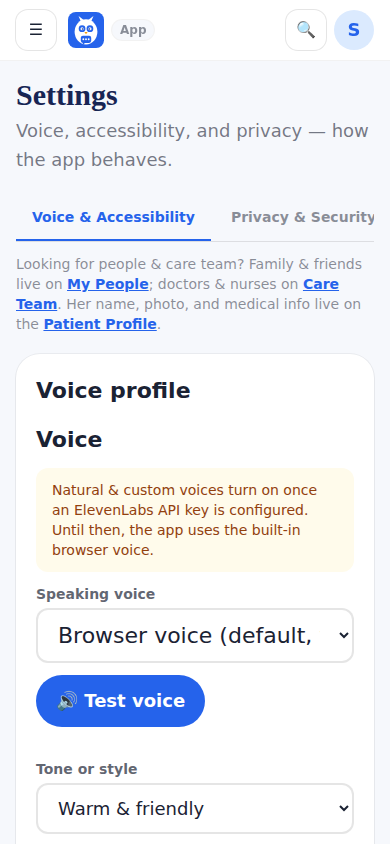
Settings, whose Privacy and Security tab holds Share with an organization.
Was this helpful, or is something out of date? Write to support@expressagain.com and a real person will fix it.

Still need help?

A real person reads every message. Family members are always welcome to write on a patient’s behalf.

Email

support@expressagain.com

We typically reply within one to two business days.

Contact page

Text and in-app

Reply HELP to any of our texts for assistance, STOP to unsubscribe.

Signed in? Send a request from the Help Center inbox and see its status there.

Help Center inbox

If this is an emergency or someone is in immediate danger, call 911 or your local emergency number. This Help Center is for using the app, not for medical advice.