 ExpressAgain
A blood sugar log for caregivers that the whole care team can read
When several people check blood sugar at home, a notebook in the kitchen drawer stops being enough. What a useful log holds, how to keep it honest, and how to get it in front of the people who adjust the plan.
The ExpressAgain Team5 min read
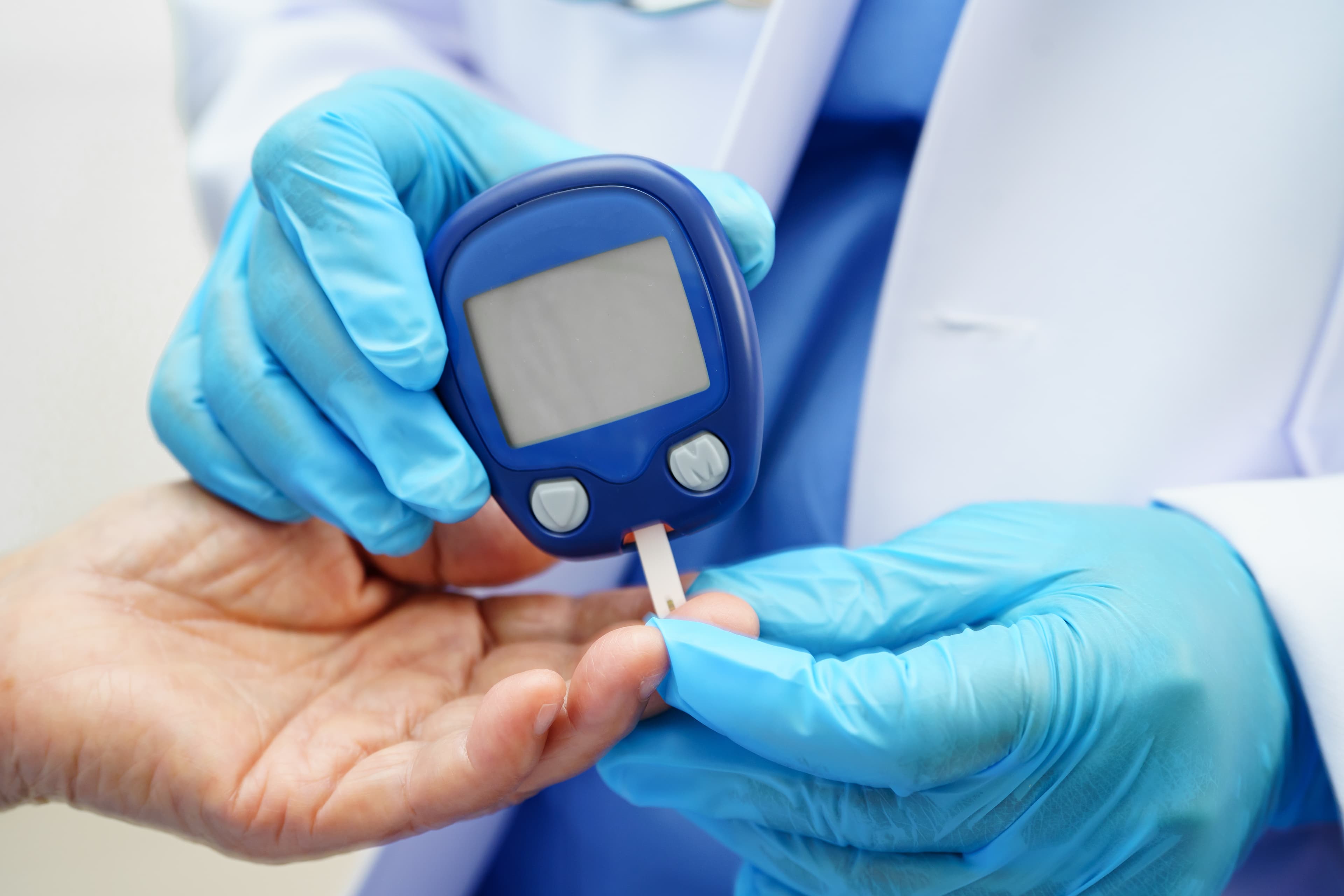
For someone living with diabetes, blood sugar readings are one of the main ways the care team sees what happens between visits. The CDC's guidance on monitoring blood sugar says to track and record results and to keep notes about anything that might have affected a reading, and that monitoring helps the health care team make decisions about the diabetes care plan. Most meters save results too, but a meter's memory rarely says who took the reading, whether it was before or after lunch, or that the person skipped breakfast.
When a family, a home care professional and a visiting nurse all check at different times, a shared log is what turns a pile of numbers into something a doctor can use. This guide covers keeping one. It is about record keeping; decisions about targets, food and medicine belong with the care team.
What to write with every reading
- The date and the exact time.
- When it was taken: before a meal, a couple of hours after, at bedtime, or another time, and which meal.
- The number, written exactly as the meter shows it.
- Notes that explain it: a missed or late meal, a snack, activity, illness, poor sleep, a missed dose.
- Who took it. When several people check, this matters when a number looks strange.
Get the targets from the care team, in writing
Blood sugar targets are personal. The CDC notes that a person's target range may differ based on age, health status and the diabetes management plan, and to follow the doctor's recommendations. Ask the care team for the targets that apply, what to do when a reading is low or high, and when to call. Write their answers at the top of the log, word for word, so everyone who helps reads the same instructions.
Keep it honest
A log is only useful if it is complete and unedited. Write readings down right away, not at the end of the day from memory. Don't skip the inconvenient ones. If a reading was taken wrongly (unwashed hands after fruit, for example), note it rather than deleting it. And if you check the meter against the log now and then, you will catch a missed entry before it becomes a gap in the record.
A digital twin of the paper log
ExpressAgain's Health Tracking starts with a blood-glucose grid built to match the paper testing log home health agencies use: before and two hours after each meal, bedtime, other, and comments. It prints in the layout agencies expect, and Copy reproduces the sheet. Every reading anyone logs carries who logged it, for example Maria (Home health), and shows on the Status Board with their initials and the time.
Analyze describes what was logged, in counts, averages and where the numbers cluster, in the care team's standard layout. It never judges a value or recommends treatment. Green and red only say inside or outside the targets the family typed in.
Targets and care alerts
Under targets and care alerts, the family types the care team's own glucose tiers and the when-to-call instructions. They print beside every log and are read-only for the clinicians. Each glucose reading then becomes one plain line for the active clinical logins on the care team, such as Glucose, breakfast before, above target, and a line outside the targets goes out at once. The alert compares a reading with the targets; it never diagnoses, and it is not an emergency service.
Put meals and doses next to the numbers
Readings mean more with context. In ExpressAgain the Meals tab logs what was eaten from the kitchen, with calories, carbs, sugar and protein worked out from the food labels, and the dose log sits beside the chart. Our guide to diabetes-friendly meal planning at home covers the food side, and the medication log guide covers the doses.
Bring it to every visit
The health reports include Vitals and glucose for 7, 30 or 90 days or any range, with Print and Download CSV, and a weekly home summary ready to print or save as a PDF for the doctor. Clinicians on the care team read the very same report from their dashboard.
One honest distinction: a reading typed into ExpressAgain is a record the family made, not a device transmission, and typed readings are never remote patient monitoring. If a meter sends readings to the practice on its own, note it under Insurance & Devices; when you type a reading and also check it against the device, Health Tracking keeps both numbers and shows only the difference.
A quick note
This article is about keeping records, not medical advice. ExpressAgain records and organizes readings; it never recommends a food, a dose or a target. For a very low or very high reading, follow the care team's instructions, and call 911 in an emergency.
Frequently asked questions
What should a caregiver write in a blood sugar log?
The date and time, whether it was before or after which meal or at bedtime, the exact number, notes that might explain it, and who took the reading.
What blood sugar numbers should we aim for?
Targets are personal. Ask the care team for the targets that apply and what to do when a reading is outside them, and write their instructions at the top of the log.
Can I print a blood sugar log from ExpressAgain?
Yes. The glucose grid prints in the layout home health agencies use, and the Vitals and glucose report prints or downloads as a CSV for any range.
Does ExpressAgain tell us if a reading is dangerous?
No. It compares each reading with the targets the family typed in and alerts the care team when one is outside them. It never diagnoses. Follow the care team's instructions and call 911 in an emergency.
Try ExpressAgain
Help someone you love be heard again.
Communicating is never behind a paywall: tap to speak, the phrase library, the sentence builder, Letters and the emergency screen are on the Free plan.