ExpressAgain
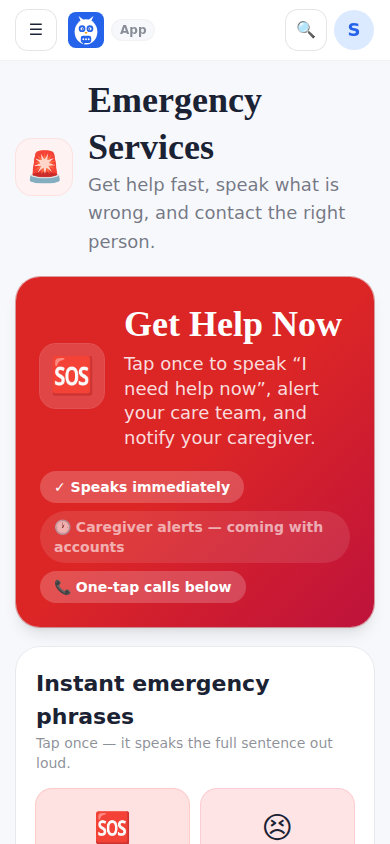
Emergency is the last link in the menu, in red, on every screen. It has the Get Help Now band, instant emergency phrases spoken with one tap, pain and body location, the alert escalation ladder with the circle's own names, Emergency alerts settings (for whoever runs the account and caregivers), the last emergency activity, and a rail with emergency contacts, critical medical information and the current status.
Get Help Now: one tap says I need help now. Please come quickly. out loud at once, then shows Sending a help alert in 5 with a big Cancel. Cancel and nothing is sent. After five seconds the alert goes to the family (who, and how it climbs, is in Get Help Now alerts). Every page that has a rail also carries the SOS card; its I need help now button speaks I need help. Please come now. This is an emergency. and starts the same countdown. For a family member or a friend signed in on their own account, both only speak.
Current status shows an open help alert from the server, and who is on the way; the last emergency activity lists the circle's help alerts (who answered, how each was closed) and, separately, what this device did: calls, phrases and a cancelled countdown.
If someone is in immediate danger, call 911 or your local emergency number. The app never calls 911 by itself. The app is for using the app, not for medical advice.
What it looks like
Screens at phone width, with sample names — no real person’s information.