ExpressAgain
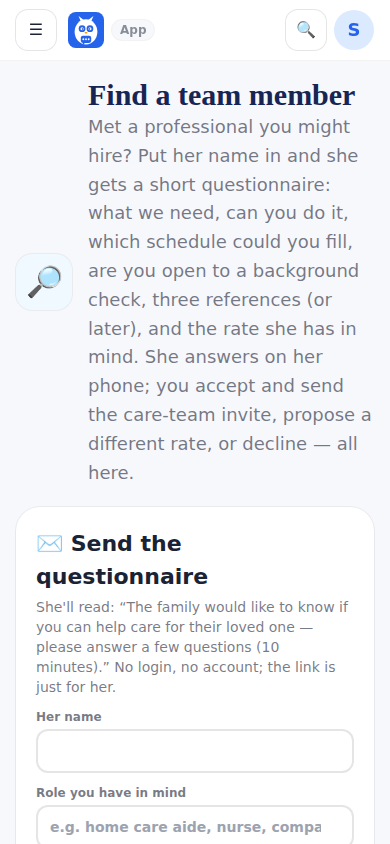
Find a team member is the step between I met someone and adding them to the team. You type her name, phone, email and role and send a questionnaire: what we need, do you have the ability to do those things, what schedule could you fill, are you open to a background check, three references (or willing to list them once we decide), and a proposed rate. She answers on her phone without a login.
Everything the applicant reads is de-identified — care tasks, skills and schedules, never the patient's name, address, birth date or record. Back on your side the answers are laid out for a decision: key skills as a row of yes / training / no, the schedules she can fill, references, the background-check answer, the proposed rate. Accept sends the same invite Add to your home team mints, with the agreed rate; you can also propose a different rate or decline with a note. Owner and caregiver-role accounts only.
Step by step
- 1Open Find a team member and tap Send the questionnaire.
- 2Type the person's name, phone or email and the role; adjust the needs and schedules if you like.
- 3Send. Her row appears under People you've asked with a status chip.
- 4When she submits, open her answers and Accept, Propose a rate or Decline.
What it looks like
Screens at phone width, with sample names — no real person’s information.