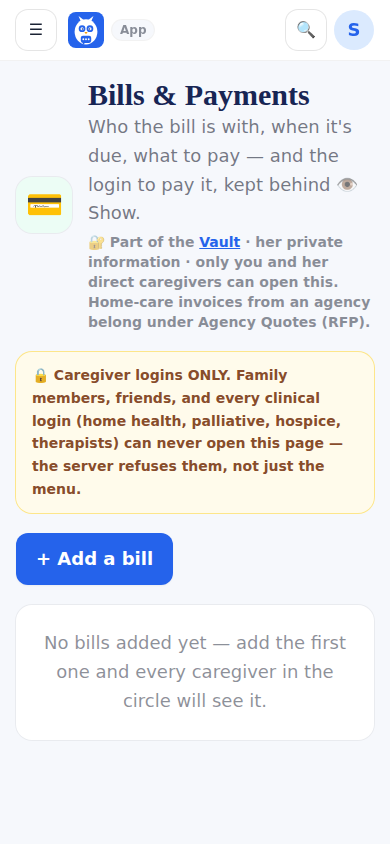
My brother, my cousin and I make sure every bill gets paid. Bills and Payments lists each bill with who it is with, when it is due, what to pay and the login to pay it. It is shared across the circle's caregiver-role logins and nobody else — not the family tier, not friends, never a clinical login. The server enforces that, and the page masks credentials until you tap Show and never speaks them aloud.
When it's due is picked, never typed: + Add a bill offers a day of each month (1st of each month through Last day of each month) for a bill that comes every month, or On one date, which opens the date picker for a one-time bill. A due typed before in other words is kept and shown as Was typed as until you choose again.
Step by step
- 1Open Bills and Payments and tap + Add a bill.
- 2Type who it is with and what to pay.
- 3Under When it's due, choose a day of each month, or On one date and pick the date.
- 4Add the website and the login to pay it, then tap Add bill.
What it looks like
Screens at phone width, with sample names — no real person’s information.