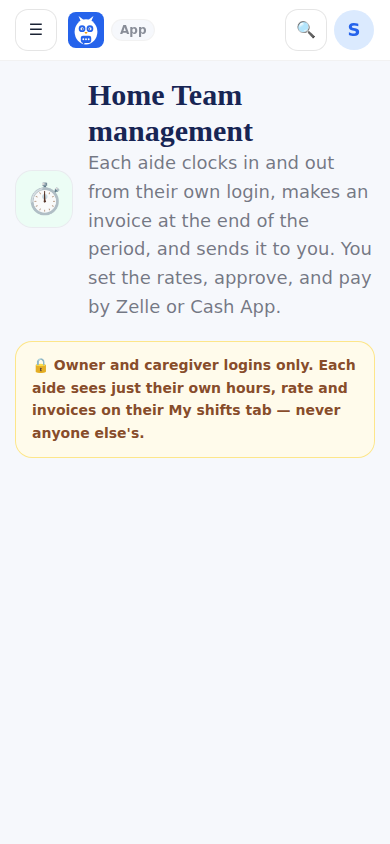
HCT Management is the family's side of the clock: for the home care nurses we need a clock in and clock out system to generate a timesheet and an invoice for them to bill me and for us to pay them. Each job is its own page: My Care Team, Rates & Arrangements (each person's rate, pay period, overtime rule, whether the shift gives medication, a not-allowed-to-give-medication block, the bank deposit fee you pass on); Scheduling & Coverage (Schedule, the week grid with Add shift and a sheet per shift; Calendar; List, the recurring shifts per person kept as versions with Change from a date, End this shift and Offer to …, and one-off shifts; Open Shifts; and Activity, the schedule history); Time & Attendance (Live Attendance, Timesheets, Adjustments); Invoices & Payments; and Care Tasks & Checklists. Where the Home Care Team may clock in and out is set on Settings, Attendance & Access.
An invoice arrives from the professional (or the agency office) for a pay period; you approve it, then Pay now shows their chosen method — Zelle, Cash App, direct deposit, a mailed or deposited check, a bank transfer or a wire — with a logged reveal of account details, and Mark paid records how and with what reference. Every rate, name and slot is typed by the family; the app knows nobody.
Every invoice lists every day of its pay period, Monday through Sunday for a weekly period (each day in order for a two-week one): a day with no shift reads No shift with 0.00 hours and nothing owed, a day with two shifts shows both, and the totals are the same as before. A shift that crosses midnight inside the period stays one row under the day it started, such as Sat, Oct 3 → Sun, Oct 4 · 11:57 PM – 8:01 AM. The pay week runs from Monday 12:00 AM to Sunday 11:59 PM in the household's time zone, so a shift that runs past the end of the period is split at that midnight: Sun, Oct 4 · 11:55 PM – 12:00 AM (continues Monday) on this week's invoice and Mon, Oct 5 · 12:00 AM – 8:03 AM (from Sunday's shift) on next week's. Breaks count in the part where they happened, each part is at its own day's rate, and overtime counts each week's own hours. The printed invoice shows the same days. An invoice you recorded as already paid has no hours, so it has no day rows.
A shift that started in the period and is still open stops the invoice instead of being left off: making it reads, for example, Sunday, Oct 4's shift is still open. Fix the time, then make the invoice, with a Fix the time button that opens Time & Attendance, Adjustments. If a shift closes after an invoice was made, the invoice says 1 shift in this period isn't on this invoice, with the day and the hours. On a submitted invoice, Ask for changes opens with that note filled in; on a draft, Add it puts the shift on. Nothing changes on a submitted, approved or paid invoice by itself.
What it looks like
Screens at phone width, with sample names — no real person’s information.