ExpressAgain
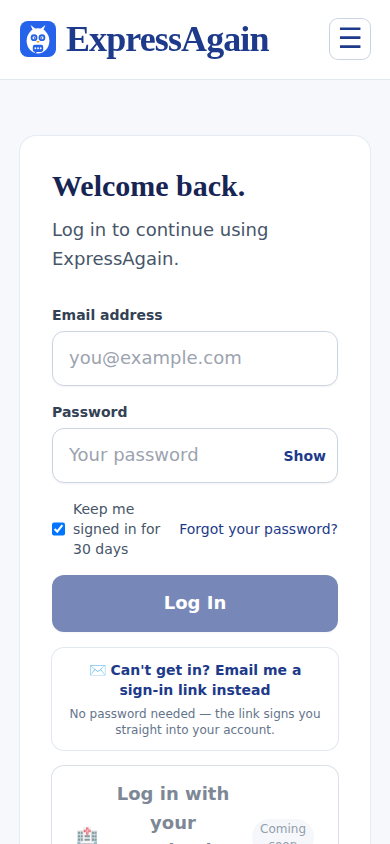
Sign in with the email and password you created. Forgot the password? The Forgot your password link emails you a reset. If you would rather not type a password at all, tap Can't get in? Email me a sign-in link instead — the link signs you straight into your own account. It works once and lasts an hour; if it has expired, request a fresh one.
The patient can have her own way in. A signed-in family account can set a 5 to 10 digit number code for her and mark a device (her iPad, her phone) as hers. From then on the login page on that device shows a big number pad — she taps her code and she is in, no email, no typing. Five wrong tries pause the code for 15 minutes. The code only works on her marked devices, like unlocking a phone.
The same account can also carry a second email and password for the patient, next to the family's, so her sign-in feels like hers and the family keeps theirs. Both are set in Settings under Privacy and Security by a signed-in account; adding a new key asks for the primary password.
What it looks like
Screens at phone width, with sample names — no real person’s information.