Under My shifts, How you get paid lists the methods in the family's words: Zelle, Cash App, direct deposit, a check mailed or deposited, a bank transfer and a wire. Direct deposit asks for your bank details, which are stored encrypted and shown afterwards only as the last four digits; a mailed check asks for the payee and address. The family may pass on a bank deposit fee, and the line says so above the deposit options. Your rate is set by the family and shown, never edited here.
Your clocked hours build the pay period's timesheet; Make my invoice sends it. The family approves, then marks it paid with the method and a reference, and the invoice shows paid. Someone staffed by an agency does not invoice — the agency bills, and the line says Your agency bills.
The invoice shows every day of the pay period, Monday through Sunday, with 0.00 hours on a day you did not work. The pay week runs from Monday 12:00 AM to Sunday 11:59 PM: a Sunday-night shift that goes into Monday morning is split at midnight, the minutes before midnight on this week's invoice (continues Monday) and the rest on next week's (from Sunday's shift). If a shift you started in the period is still open, Make my invoice says so, for example Sunday, Oct 4's shift is still open. Clock out (at the house) or ask the family to fix the time, then make the invoice. If a shift closes after you made the invoice, the invoice says it isn't on it; tap Add it (a submitted invoice goes back to a draft first, then you submit it again).
What it looks like
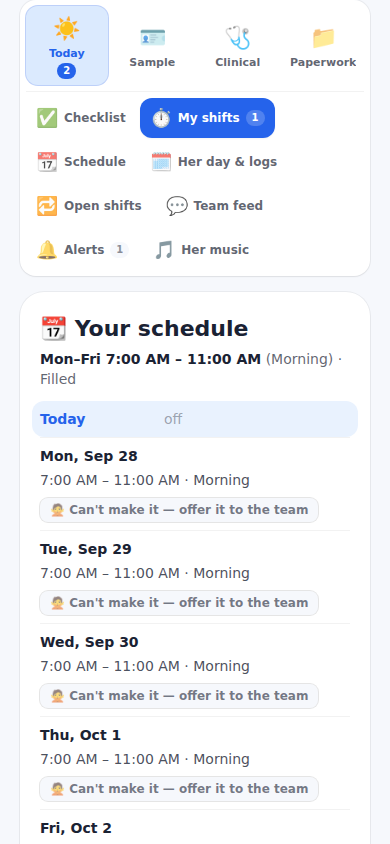
Screens at phone width, with sample names — no real person’s information.